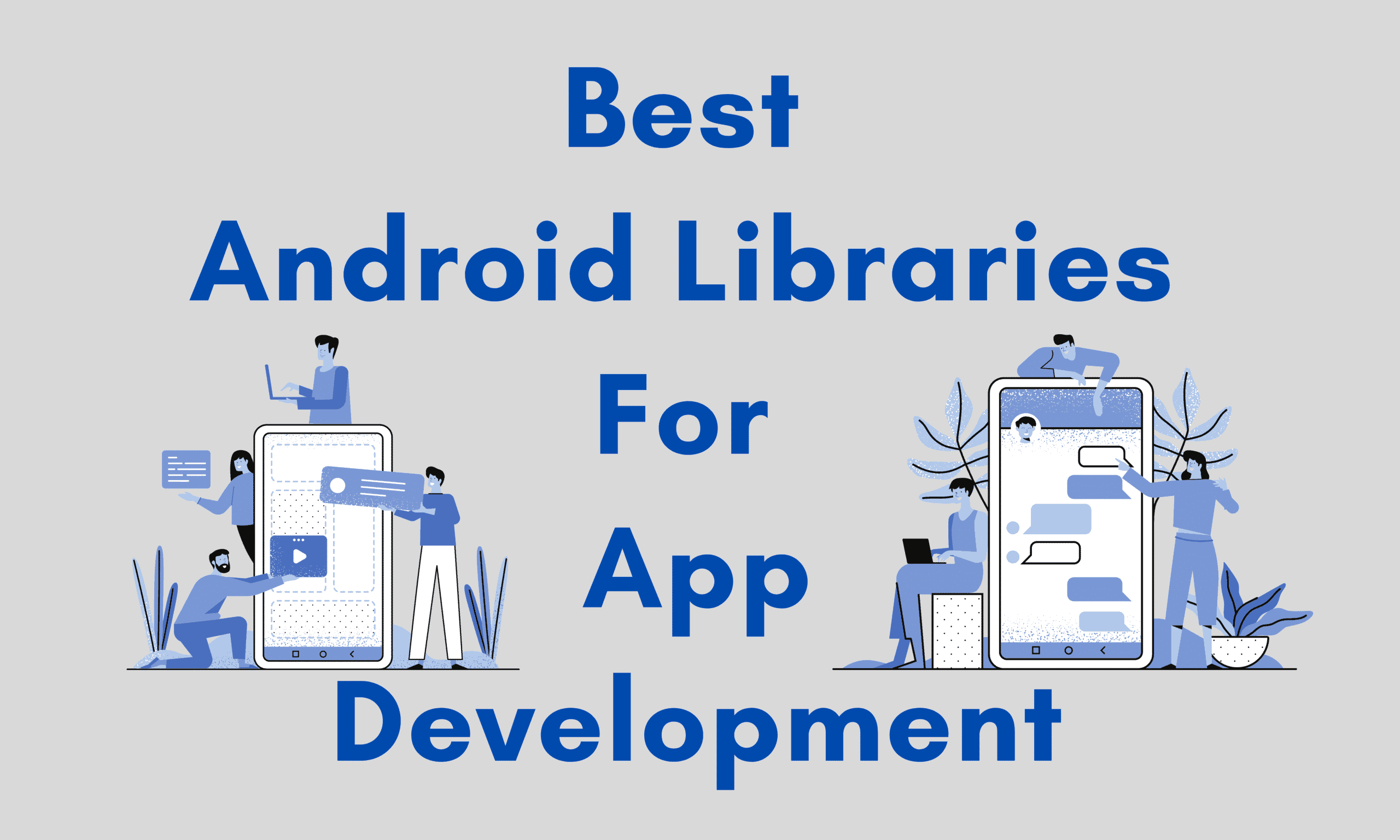
“An app is not all about technology. It is a dream towards the future”. Everyone around us who has a smartphone must be using tons of android apps in their daily life. From purchasing goods online to attending online classes, we all need one application to fulfill our demands. It would be very difficult if we don’t have an application for our work. So have you ever wondered how these apps are made?
Android App Development is the most preferred technology at the present time. It allows people to explore the world of Android and gain exposure as much as they want. It is a process of creating android applications for devices running on the Android Operating System. Android apps can be written in programming languages like Java, C++, Kotlin, and Python.
However, to cut short the chase of writing elongated codes for every application, we make use of android libraries. They are programs that implement behaviors and have a well-defined interface as well as programming languages. They help the developer in creating optimized apps without getting tired as the process can be accomplished within a few steps by using some well-defined pre-written codes instead of writing them from scratch. It’s impossible to overlook the construction of bug-free, highly responsive apps with minimal resources. Not to forget the precise, quick, effortless, and featured-rich android app development attained by them.
Let’s take a look at some awesome libraries that can help us to create better Android apps.
Image loading Libraries:-
Working with images is one of the inevitable parts of Android app development. If one is willing to display efficient images on the application, it needs to take care of the image caching. So in this article let’s discuss some image loading libraries in Android.
- Picasso – By using Picasso the process of displaying images from external locations is simplified. It also supports complex image transformation, automatic caching to the disk image view recycling, and also downloads translation in an adapter. What’s unique is that this library handles every stage of the process; it starts from handling HTTP requests and also handles the caching of the image.
- Glide – Glide is similar to Picasso and can load images from many sources while taking care of caching and keeping a low memory impact when doing image manipulation. It provides animated GIF support that handles image loading, caching, fetching, displaying or decoding and is one of the top image loading libraries for android that is recommended.
Video Displaying Libraries:-
Displaying videos poses another difficult task during development. The process and details to take care of can be too numerous to handle. In this category, however, the most popular and powerful one is Exoplayer.
- Exoplayer – There is an Android media library developed by Google that provides an alternative to the built-in Android MediaPlayer for playing Audio and Video both locally and over the internet. Exoplayer supports the features that are not currently not supported by Android Media Player like DASH and Smooth streaming adaptive playbacks.
Dependency Injection Libraries:-
Dependency injection is a concept where an object does not need to configure its dependencies. Instead, dependency is passed by another object. This principle helps us to decouple our classes from their implementation. It is worth noting that this is a good software engineering practice because it makes our code loosely coupled, which makes it easier to maintain and test. There are many dependency injection libraries but Dagger 2 seems to be the lord of them.
- Dagger 2 – Dagger 2 is a fully static, compile-time dependency injection framework for both Java and Android. When developing a large application you don’t want to handle dependency injection yourself because the code will grow quickly and become extremely difficult to maintain. Dagger helps this because it creates dependency injection graphs in compile-time via annotation.
Networking Libraries:-
Here are the tools that you need for establishing any kind of network communication within the Android app.
- Retrofit – Retrofit allows you to define your rest API as an interface you can flexibly manipulate the API requests, body, header, query parameters, and much more via annotations which can make everything clean and simple. Lastly, it also allows synchronous API execution which at times is a lifesaver.
View Binding Libraries:-
View binding libraries emerged when assigning views to variables and having access to them in the activity class. Libraries in this area are limited. Basically, there is one worth mentioning.
- Butterknife – Butterknife is a library that helps us assign ids to views easily thereby avoiding the excess findViewById. According to the documentation, “Butterknife is like Dagger only infinitely less sharp”. This means that view binding can be seen as a form of Dependency Injection. In butterknife, annotations are used to generate boilerplate code for us instead. But unfortunately, this tool is now deprecated. Developers are switching to View binding. View binding is a feature that enables you to more efficiently write code that interacts with the viewer.
Scanning Libraries:-
These are useful for including the scanning functions in any android application.
- CAMView – It is a basic access library for Android cameras that includes a QR scanner. It’s a simple Android library for using the device camera in apps. Structuring the layout files gives developers rapid access to a variety of functionalities. Low-level procedures such as camera, orientation, setup, streaming, and many more are handled by this library. It can be used for gaining access to users’ cameras and utilizing them to accomplish tasks, such as scanning barcodes with a built-in ZXing decoding engine.
Drawing Libraries:-
These libraries assist developers in making their apps creative by allowing for creative drawing and out-of-the-box thinking.
- MyLittleCanvas – This library is used for facilitating efficient working with canvas on android, where now one may use objects instead of methods. It is used to provide features to TextViews such as a custom underline. One can also use Canvas techniques to implement RectShape, LineShape, RoundRectShape, TextShape, DrawableShape, CircleShape, and PathShape.
- AnimatedPieView – This library is best suitable for those developers who prefer to include animations in their applications. It provides the feature of including animations while drawing charts, the transformation between a ring chart and a pie chart, positioning of the text field as well as alpha animation on touch.
In order to find the ideal library to be used while creating an application, one can consider the factors of reliability of authors, the popularity of a library, authentication of a library’s license, highly recommended libraries, well-written library, open-source and key features of the library.
Being an Android Developer is a difficult job. To construct an industry-standard working application, you’ll need to be familiar with the libraries, languages, and other tools. Android app libraries make the development process easier for developers.
One of the main reasons for adopting Android libraries is to speed up and optimize the development of Android apps. Instead of executing these activities from the start, these Android libraries provide developers with basic pre-written codes or other pieces that they can use immediately.
Thus, making use of these inbuilt android features helps the developer to save loads of time and effort while bringing his imagination into the reality of an app via android development.